How to use Codeberg
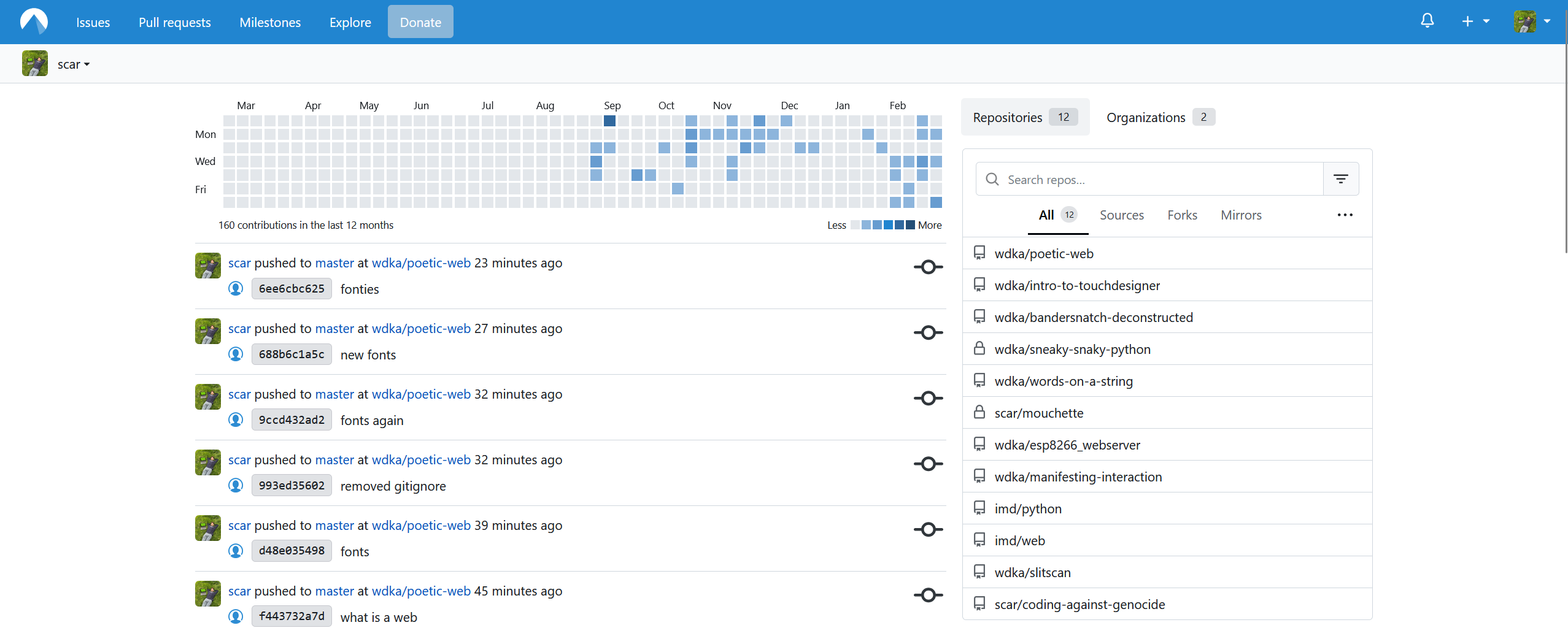
Codeberg is a platform to store and publish your code. You can use it to keep track of your progress but also to run a demo of your website for free online
When you register, you can create the so called repositories: separate places where you store your projects.
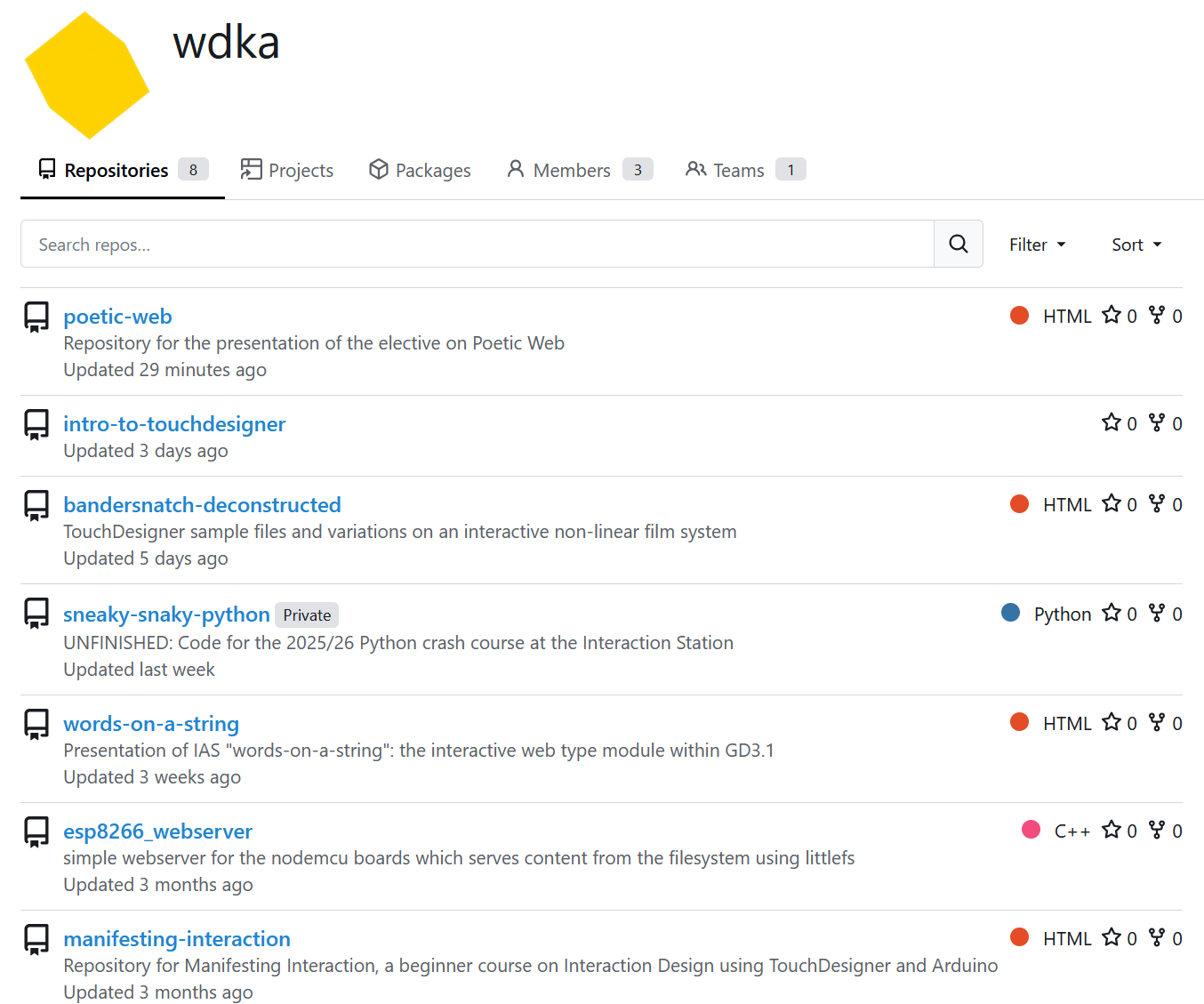
These are WDKA's repositories:
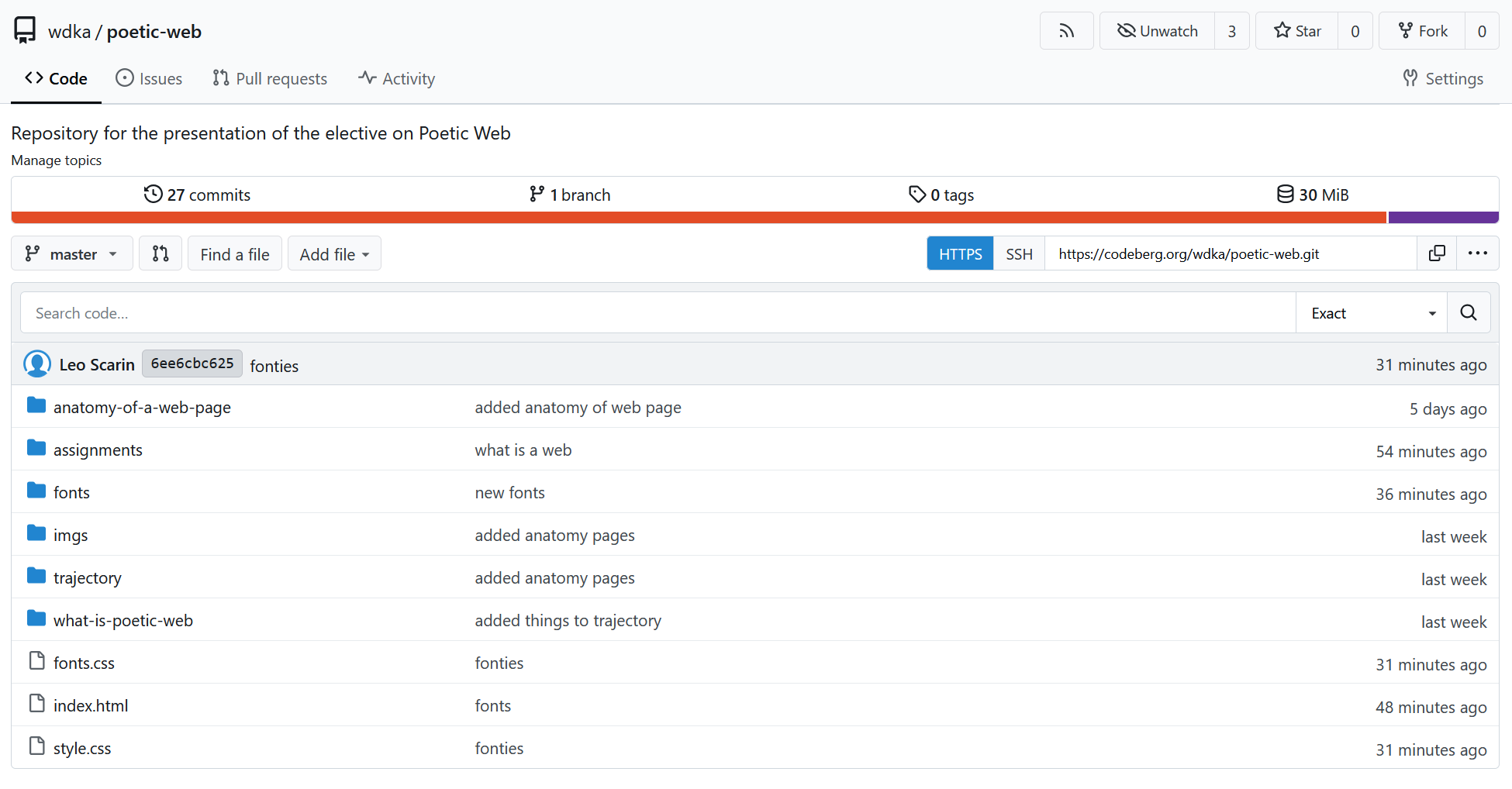
A repository displays the latest version of a project, although it also contains all the previous versions. This is the current content of poeticweb.net:
Create a new repository
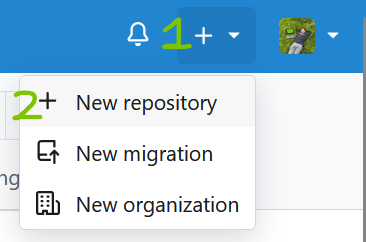
To create a new repository, you must press the + button on the top-right of your window:
Make sure to give it a nice name! Then press Create repository:
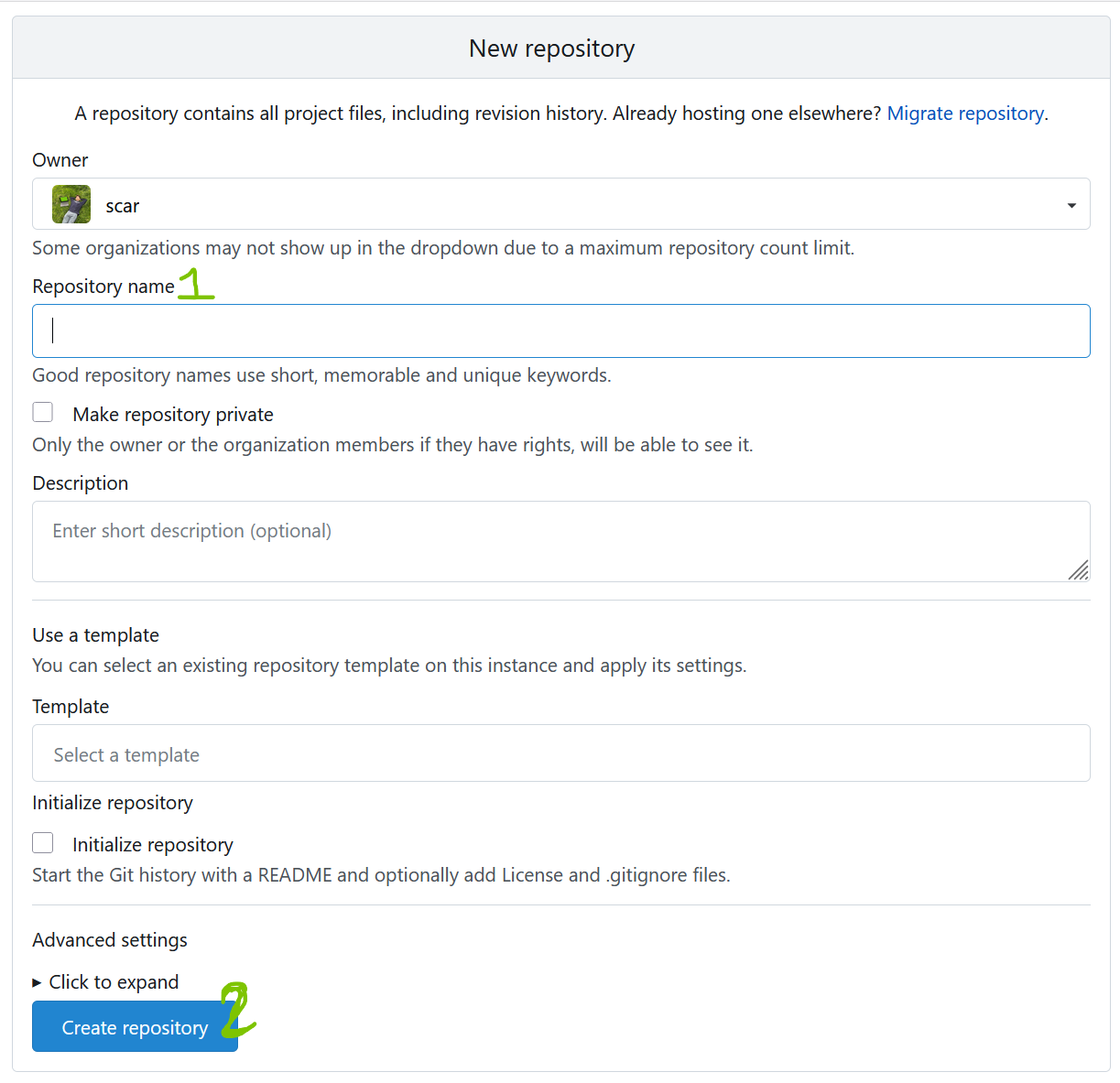
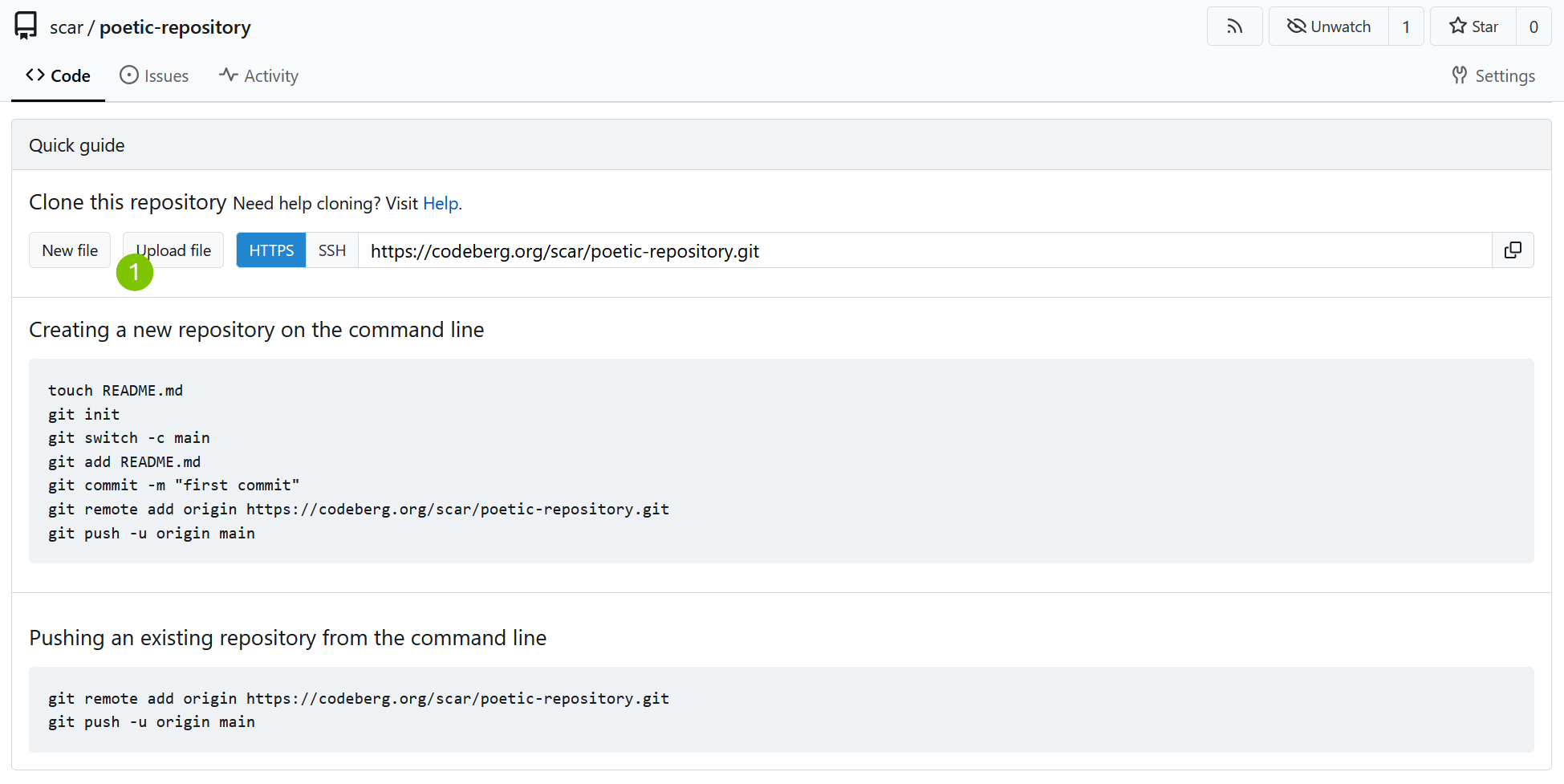
Once you create it, you can upload files to it. You can just upload manually for now. Later, we will learn to use the GIT protocol.
To upload files you must press the Upload file button:
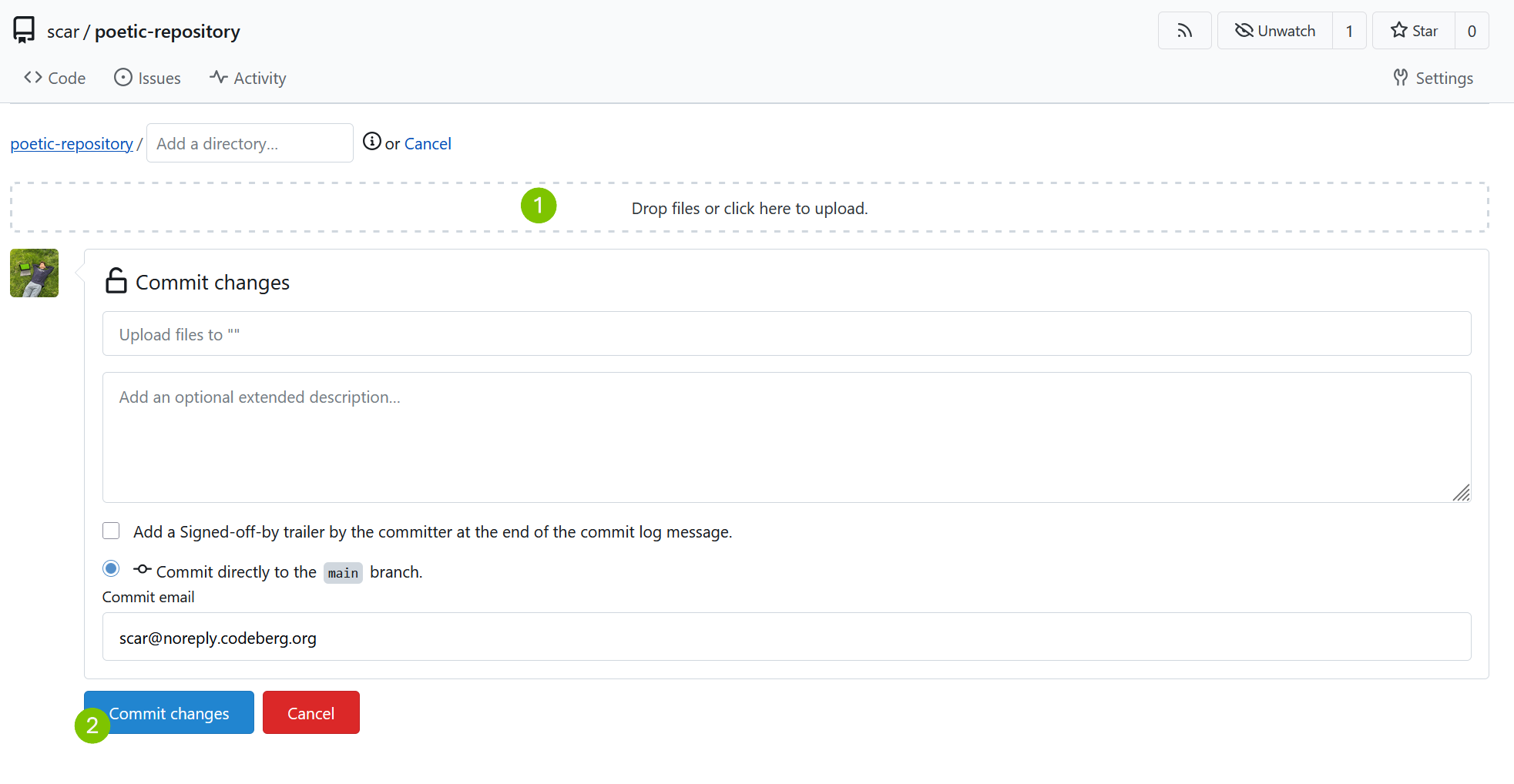
Then you must select all the files inside your folder and drop or upload them manually, and commit your changes:
View your website
Cool thing is: if your main page is called index.html, then you can use a trick to view your
website. Collect your username and your repository name and combine them like this:
        username.codeberg.page/repository-name

        for example:
        wdka.codeberg.page/poetic-web
        scar.codeberg.page/coding-against-genocide
        john.codeberg.page/personal-website

        try this out: wdka.codeberg.page/poetic-web
Update your repository
If you need to update your files, you can simply re-upload them. The system will overwrite your older ones.
Issues
For any Codeberg related issue, you can send an email to Leo at l.scarin@hr.nl